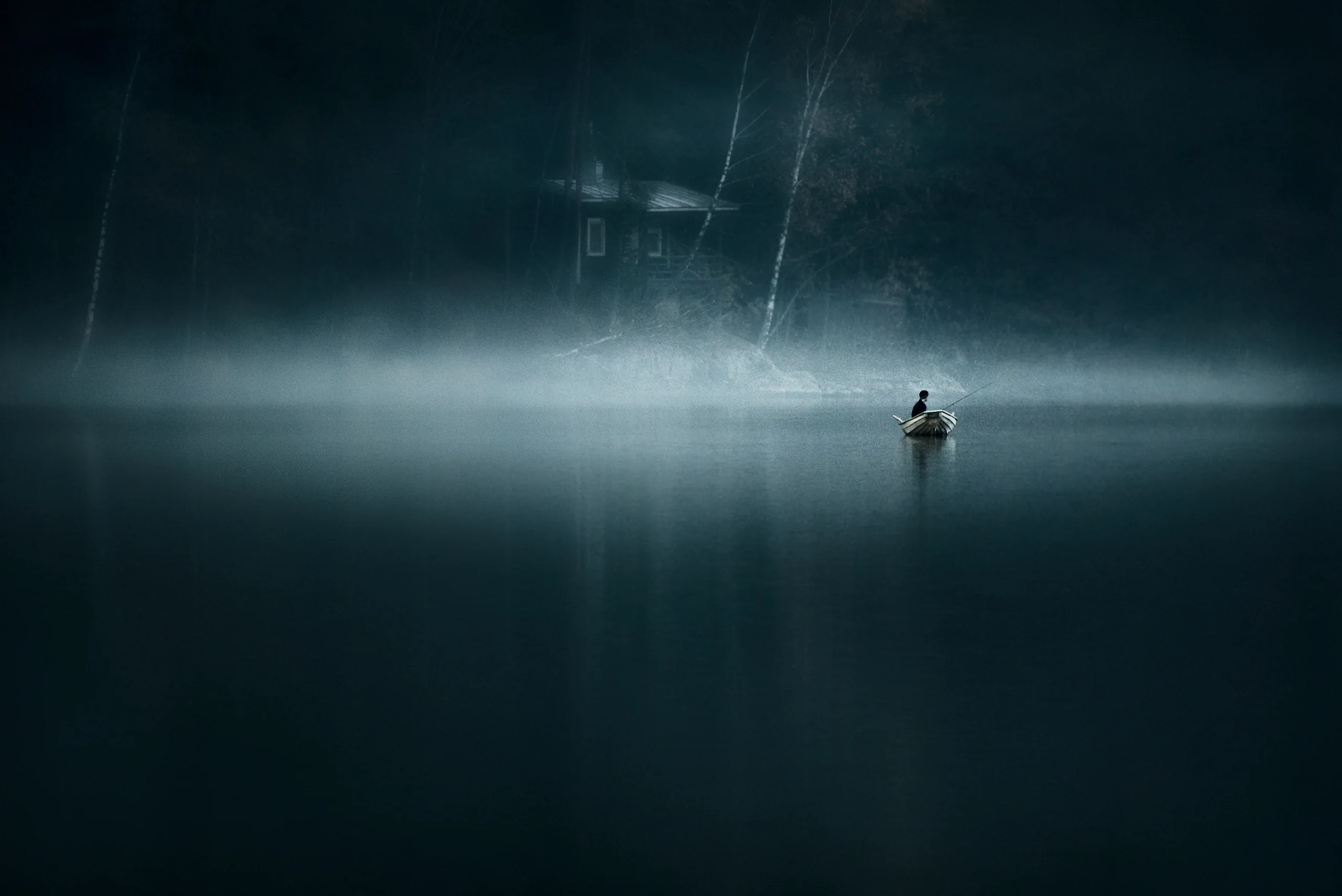
01 · Download
Download your free presets
Save the preset pack and install it in Lightroom or Camera RAW before watching the quick start guide.
Download ZIPPrivate Access Area
Free EPIC Presets · Access Granted
Start with a small set of atmospheric Lightroom presets, then learn how to use them as a foundation for deeper, more refined landscape edits.
Created by Mikko Lagerstedt from 18+ years of atmospheric landscape photography.
Getting started
01 · Download
Save the preset pack and install it in Lightroom or Camera RAW before watching the quick start guide.
Download ZIP02 · Watch
See how to use the presets as a creative starting point without over-processing your image.
Watch video03 · Edit
Start with exposure and white balance, apply the preset, then refine contrast, color and atmosphere by hand.
View workflowQuick Start Guide
In this short guide, I’ll show how to approach the presets as part of a real editing workflow, not as a one-click effect. You’ll see how to prepare the image, apply the preset, and refine the final mood.
Walkthrough 01
A walkthrough of the updated free EPIC presets, including cinematic looks and AI-powered tools for shaping atmosphere, color and mood.
Walkthrough 02
A deeper walkthrough of how the EPIC Preset System works as a broader editing system for shaping atmosphere, color, contrast and mood.
Start with a balanced image
Let the preset guide the mood
Finish the atmosphere manually
Editing approach
01
Before applying a preset, adjust exposure and white balance so the image has a clean foundation.
02
Choose a preset that supports the feeling of the image, instead of forcing the image into a fixed look.
03
Use small adjustments to contrast, local light, color balance and depth to make the result feel intentional.
Private Welcome Offer
The free presets give you a starting point. EPIC Preset System gives you the full editing framework for shaping atmosphere, contrast, color and depth in Lightroom and Camera RAW.
It is designed for photographers who want their landscape images to feel more intentional, cinematic and emotionally clear.
No pressure. The free presets are yours to keep.
Why EPIC is different
i
A broader set of looks for different light, weather and landscape moods.
ii
Use presets as a system, not random filters, so your edits stay consistent and intentional.
iii
Shape depth, softness, contrast and color in a way that supports the emotional feeling of the image.
iv
Created from years of editing atmospheric Nordic landscapes, night scenes, mist, snow, forests and open skies.
Complete workflow
If you want presets, courses, guides and creative tools together, the Complete Bundle gives you a fuller path from capture to final edit.
Begin here
Download the presets, watch the quick guide, and try them on one of your own landscape images today. If the workflow feels right, EPIC is the natural next step.
— Mikko